



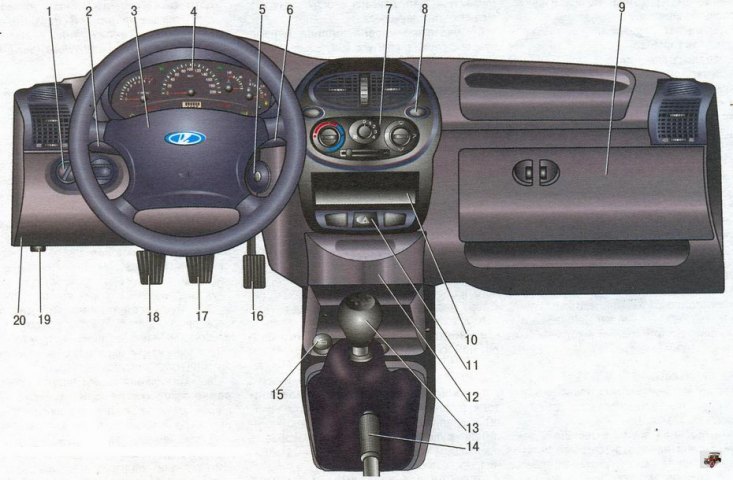
Figure 1.6. Instrument panel and controls Lada Kalina VAZ 1118
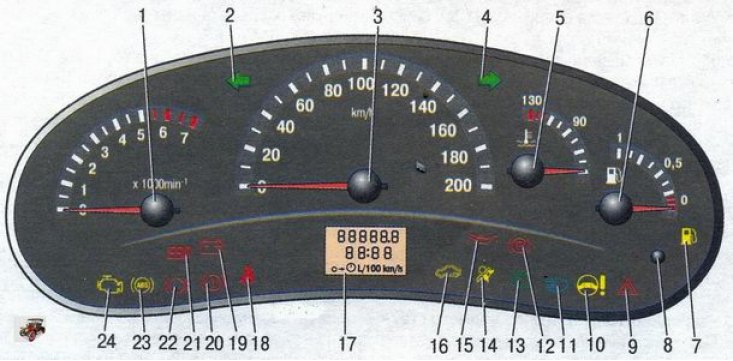
Figure 1.7. Instrument cluster Lada Kalina / Lada Kalina (VAZ 1118)
Table 1.2. Parameters of the Lada Kalina trip computer, displayed on the liquid crystal display
| Name of functions | Unit of measurement | Indication range | Error | Note |
Time indication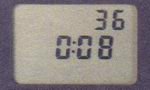 | h, min | 0:00-23:59 | 1 min | - |
Outside air temperature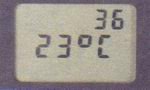 | °C | -40...+70 | 1°C | - |
Travel time*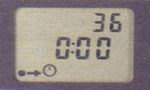 | h, min | 0:00-99:59 | 1 min | To reset the readings** press and hold the "Reset" button for more than 3 seconds. The vehicle's travel time should be determined by the time the engine on the Lada Kalina has been running since the last reset |
Average fuel consumption*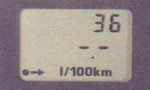 | l/100 km | 0,0-19,9 | 0.1 l/100 km | To reset the readings** press and hold the "Reset" button for more than 3 seconds. After resetting, the first 500 m of the distance traveled are displayed as the "---" symbol |
Instantaneous fuel consumption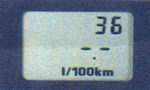 | l/100 km | 0,0-19,9 | 0.1 l/100 km | If the speed is below the driving threshold (less than 1 km/h), the symbol "---" is displayed |
Range on remaining fuel in tank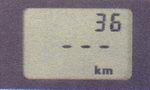 | km | 999-30 | 5 km | |
Average speed of the vehicle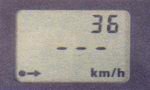 | km/h | 0-250 | 1 km/h | To reset the readings** press and hold the "Reset" button for more than 3 seconds. After resetting, the first 500 m of the distance traveled are displayed as the "---" symbol |
Volume of fuel consumed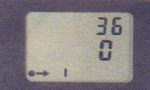 | l | 0-9999 | 1 l | To reset the readings** press and hold the "Reset" button for more than 3 seconds |
*The values of the displayed parameters refer to the interval since the last reset.
** The following functions are reset at the same time: trip time, average fuel consumption, average speed and volume of fuel consumed.